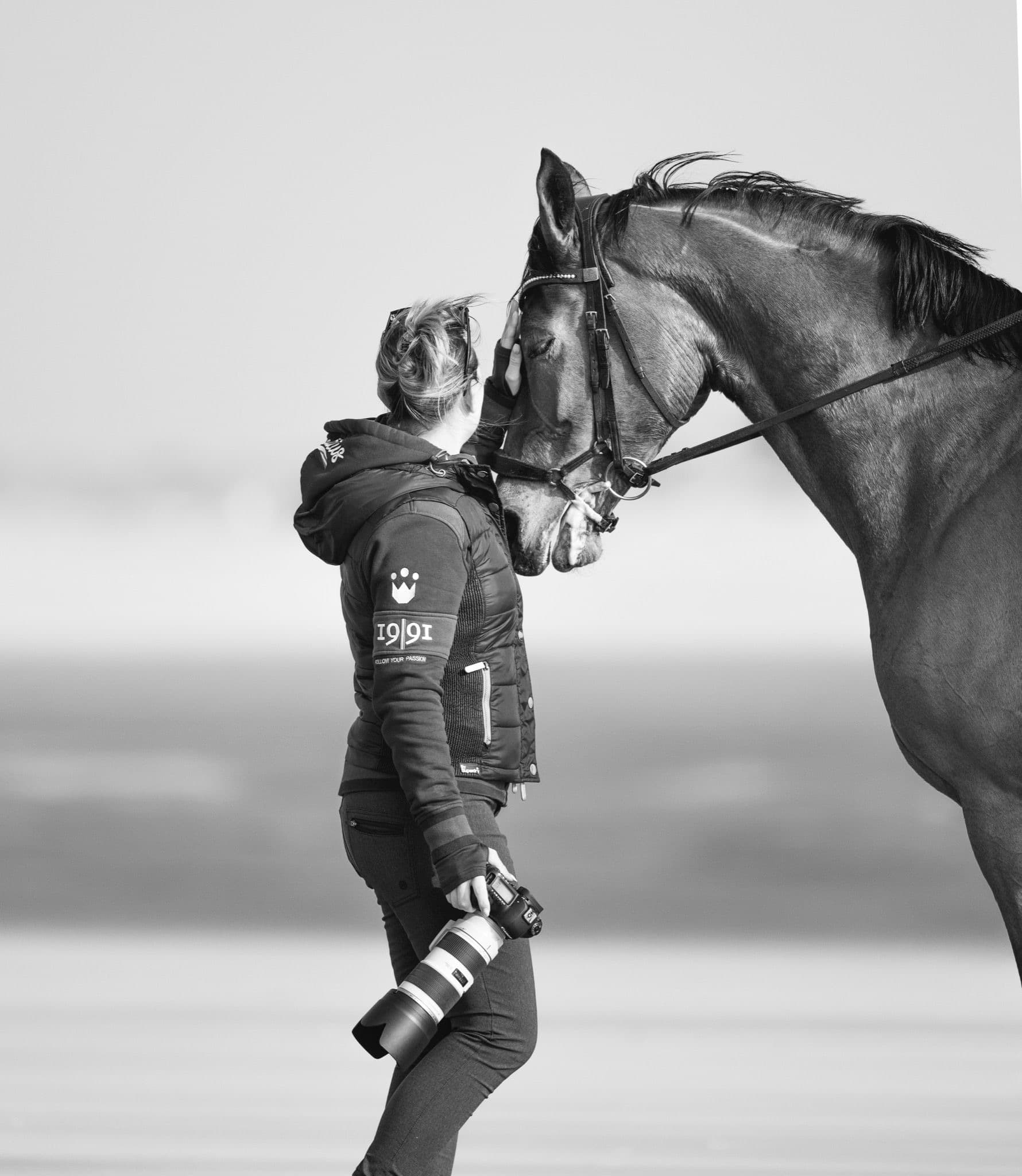
In the ever-evolving world of photography, the tools we have are becoming increasingly sophisticated and powerful. Adobe’s Photoshop and Lightroom have long been the go-to software for photographers and visual artists, and their latest update brings a wave of excitement. The integration of generative AI features promises to revolutionize the way we edit and enhance our images. In this blog, we’ll explore the new AI capabilities in Photoshop and Lightroom and how they’re changing the game for photographers.
– Kate Mower,Photographer | Events Through a Lens
In the ever-evolving world of photography, the tools we have are becoming increasingly sophisticated and powerful. Adobe’s Photoshop and Lightroom have long been the go-to software for photographers and visual artists, and their latest update brings a wave of excitement. The integration of generative AI features promises to revolutionize the way we edit and enhance our images. In this blog, we’ll explore the new AI capabilities in Photoshop and Lightroom and how they’re changing the game for photographers.
– Kate Mower,Photographer | Events Through a Lens
1.
AI-Powered Image Restoration
One of the most notable additions to Adobe’s software is the AI-powered image restoration feature.
It allows photographers to effortlessly repair and enhance old, damaged, or low-quality photos. Whether you’re dealing with scratched prints, faded colours, or noisy digital images, AI can analyze and restore them with impressive accuracy. The AI’s ability to understand the content of the image and apply suitable corrections makes the process incredibly intuitive and efficient.
Sign up to MEDIA MENTORS to access the rest of this article and many more.
Say goodbye to the hassle of meticulous masking and layering when changing backgrounds!
With the generative AI features, Photoshop and Lightroom can now seamlessly replace the background of an image while preserving the subject’s details. This is a game-changer for portrait and product photographers, enabling them to experiment with different backgrounds without spending hours on complex selections.
The AI's ability to understand the content of the image and apply suitable corrections makes the process incredibly intuitive and efficient.
3.
Automatic Object Removal
Removing unwanted objects or distractions from photos has always been a time-consuming task.
But with the new AI features, you can simply brush over the elements you want to remove, and the software will intelligently fill in the gaps. This technology not only saves time but also ensures that the result looks natural, even with complex backgrounds.
4.
Intelligent Colour Grading
Colour grading is a critical aspect of photo editing.
The new AI features offer intelligent assistance in this area. The software can analyze the content and mood of the image and suggest suitable colour grading options. This not only streamlines the editing process but also helps photographers make more informed creative choices.
5.
Smart Cropping and Composition Suggestions
Getting the right composition can make or break a photo.
With AI’s composition suggestions, you can take your images to the next level. Photoshop and Lightroom can provide real-time recommendations for cropping and composition adjustments based on photographic principles, helping you achieve a more balanced and visually appealing result.
Conclusion
Some final words
Adobe Photoshop and Lightroom’s new generative AI features are a testament to the ongoing advancements in the field of photography and image editing.
They empower photographers to be more creative and efficient in their work, whether it’s restoring old photos, enhancing image quality, or making complex edits with ease. As these AI capabilities continue to evolve, the future of photography is undoubtedly an exciting one, with endless possibilities for creative expression. Embrace the power of AI and elevate your photography!